
Here's a comprehensive explanation of Average View Duration (AVD) and Click-Through Rate (CTR) on YouTube:
Strong titles and thumbnails borrow from classic SEO habits—see best on-page SEO tools, keyword research best practices, and how to check backlinks in Google when you connect video pages to the rest of your site. For the full picture add best backlink analysis tools, how to find broken links on a website, profile backlinks, best link-building tools, SaaS SEO strategy, and SEO software comparison.
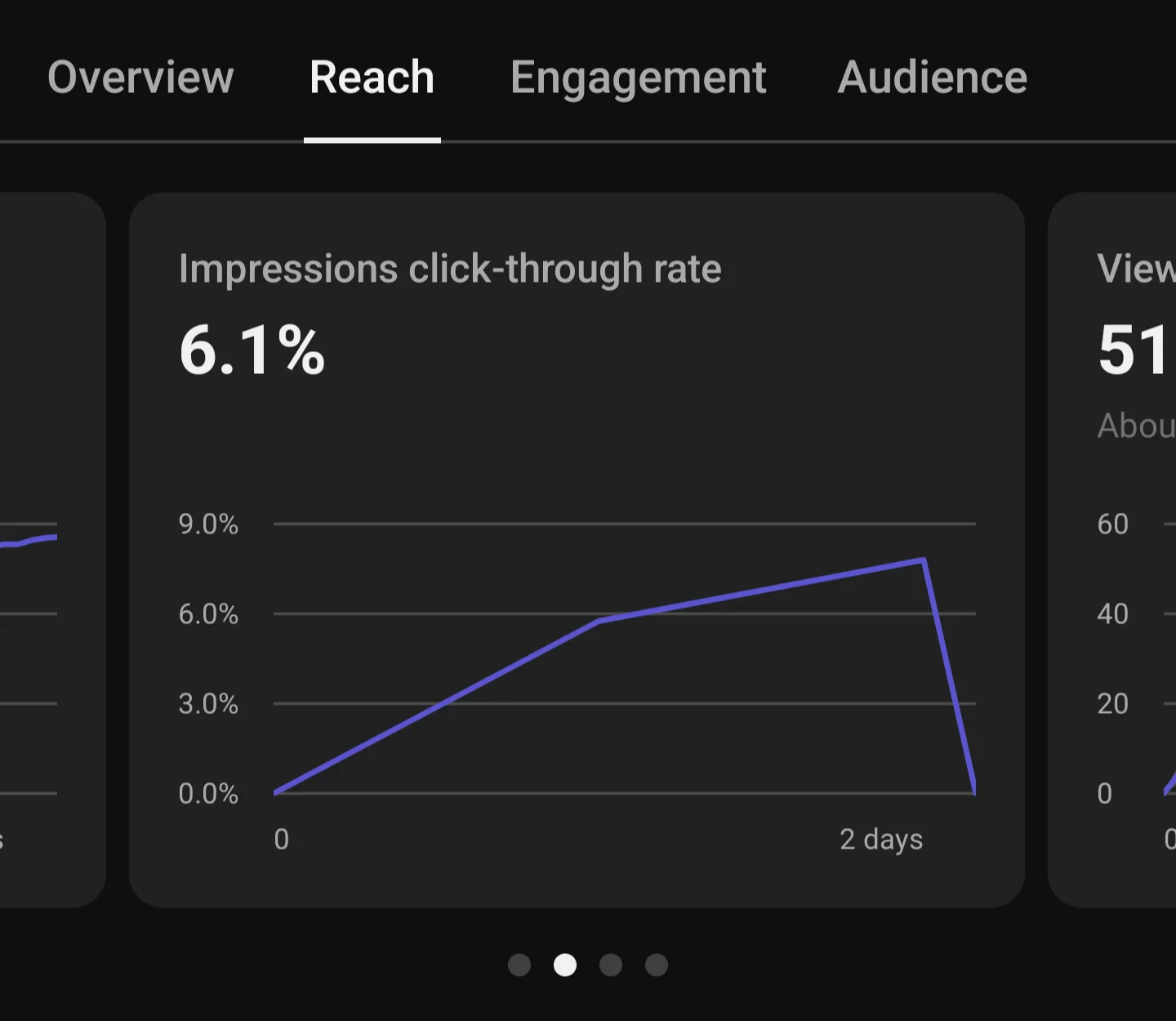
Click-Through Rate (CTR)
CTR measures how often viewers watch your video after seeing its thumbnail and title in their feed. It's calculated by dividing clicks by total impressions and multiplying by 100.
Typical CTR Ranges:
- Low: Below 2%
- Average: 4-6%
- High: Above 10%
According to YouTube's data, half of all channels have a CTR between 2-10%.
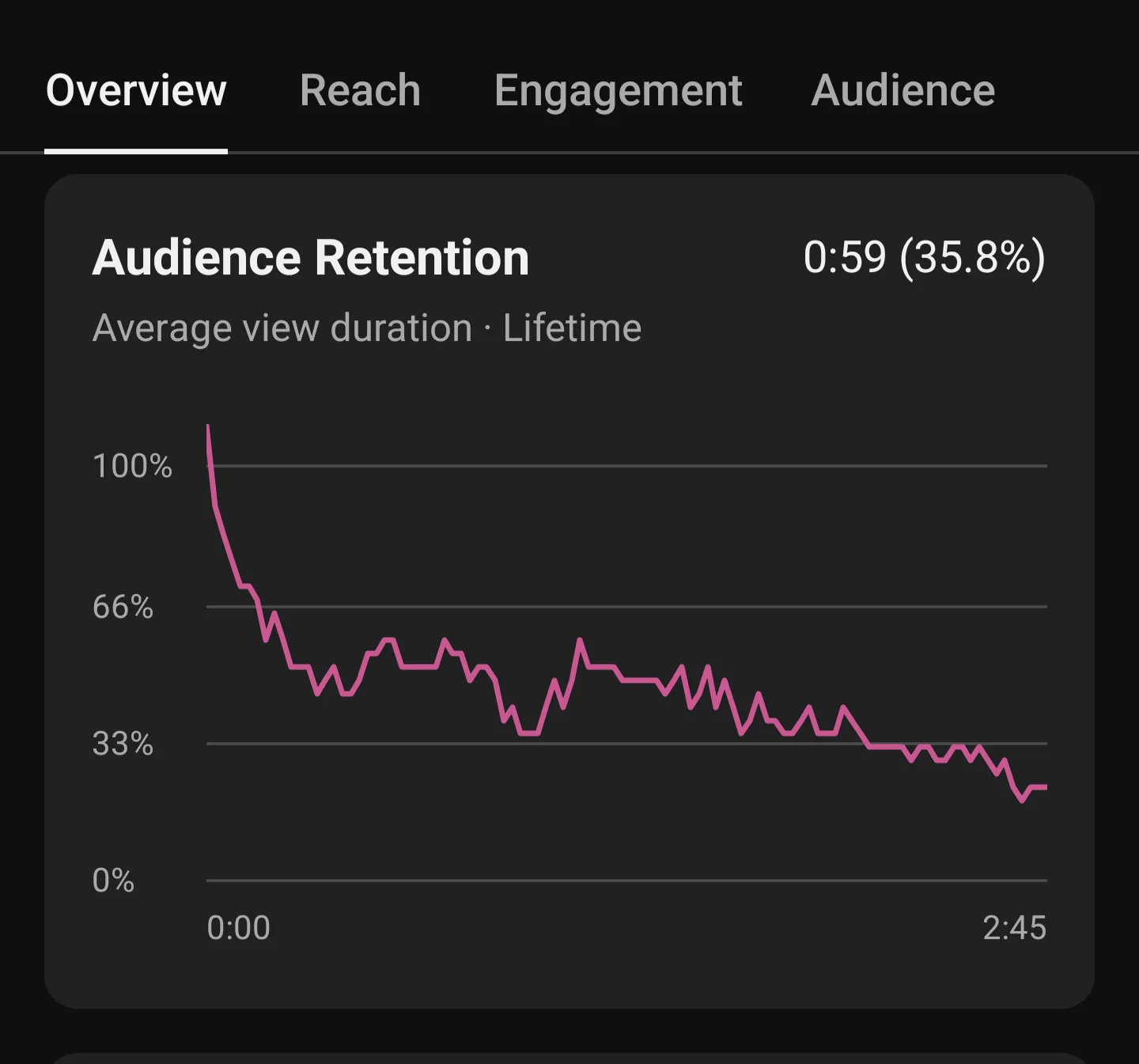
Average View Duration (AVD)
AVD measures the average length of time viewers spend watching your video. A good AVD is considered to be 50% or above of your total video length, while below 40% is considered poor.
Key Factors Affecting Performance
CTR Considerations:
- Higher views can actually lead to lower CTR as videos reach broader audiences
- New videos or channels may see wider CTR variations
- Traffic source impacts CTR (homepage appearances typically have lower CTR)
AVD Considerations:
- Both relative and absolute watch time matter for video recommendations
- Production quality significantly impacts viewing duration
- Video length affects average view percentage
Best Practices
- Avoid making decisions without sufficient data
- Don't focus on small CTR variations
- Refrain from using clickbait thumbnails (high CTR but low AVD videos get fewer recommendations)
- Consider multiple metrics together rather than focusing on just CTR or AVD
- Track performance across different traffic sources for better context
Analytics Access
To view these metrics:
- Open YouTube Studio
- Go to Analytics
- Select the Reach section
- View impressions, CTR, and other metrics.