12 Best On-Page SEO Tools for Startups in 2025
Discover the 12 best on-page SEO tools to optimize your content, fix technical issues, and grow traffic. A founder-focused guide for startups.

On-page SEO is more than just adding keywords to a blog post. It's how you help customers find you when they search for solutions. But for busy founders, it can feel like a guessing game. Are your titles right? Is your content structured correctly? Without the right tools, you're working in the dark.
This guide makes it simple. We'll show you the 12 best on-page SEO tools for startups, from technical checkers like Screaming Frog to smart content helpers like Surfer. We’ll explain what each tool does, its pros and cons, and who it's best for. With screenshots and links, you can make a quick, smart choice.
While good tools help a lot, knowing the basics of SEO is just as important. To learn more about effective strategies, you might find this article on 10 essential SEO tips for SaaS companies helpful. Our list will help you put those ideas into practice, so you can stop guessing and start growing your website traffic.
1. SEO Title Generator
SEO Title Generator by SEO Roast is a very practical tool for one of the most important on-page SEO tasks: creating great title tags and content outlines. It stands out because its suggestions come from real-time search engine results, not just general advice. The tool looks at the top 10 search results for your keyword, analyzes what competitors are doing, and then gives you title ideas and a content plan based on what’s already working. This data-first approach takes the guesswork out of creating content.
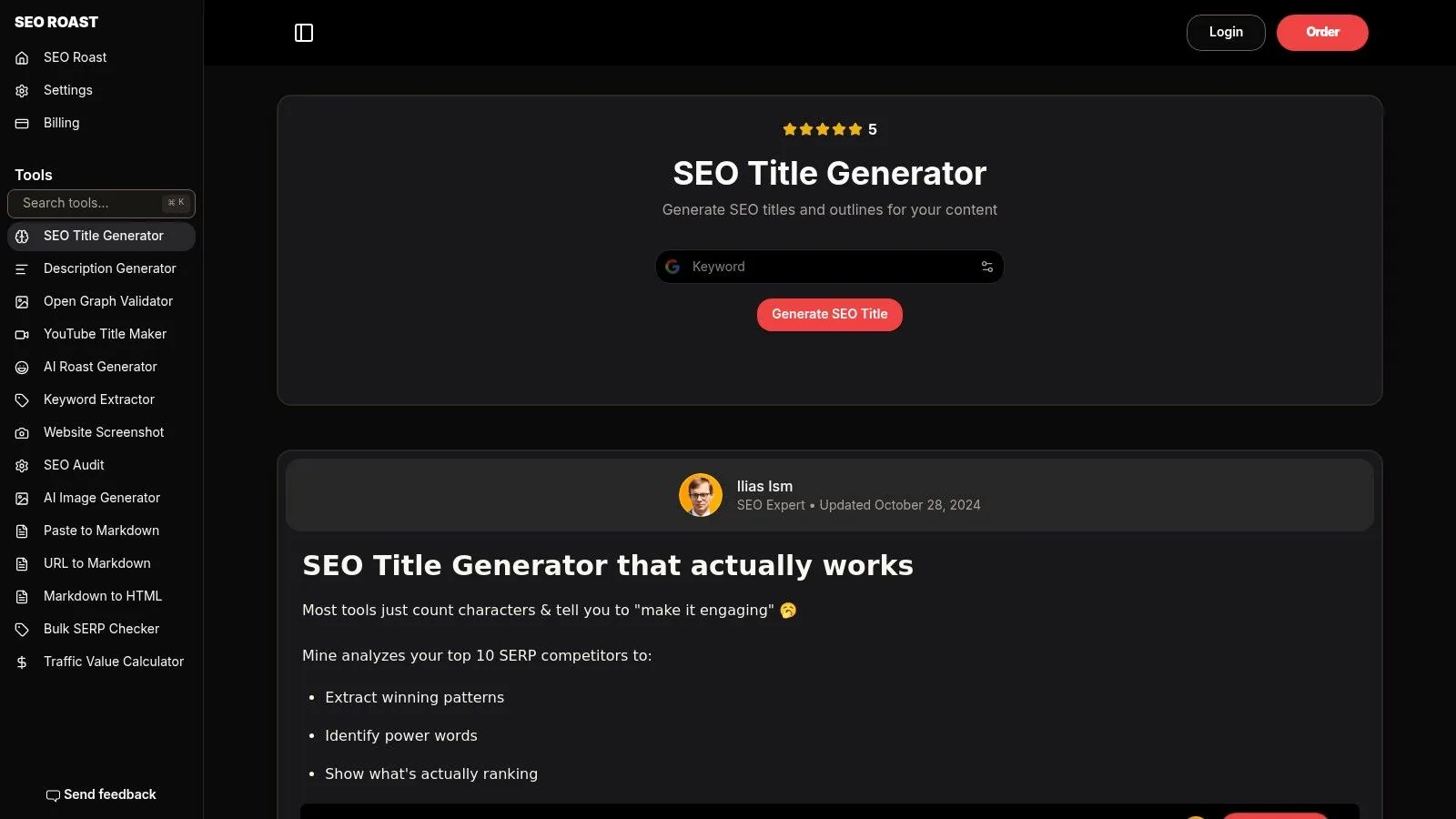
For startups and content teams that need to move fast, this tool is a huge help. Instead of starting from scratch, you get a solid foundation for your blog posts or landing pages that is already proven to work in search results. It works with modern AI models (like OpenAI and Gemini) to let you quickly test different tones and angles, helping you come up with ideas much faster. As part of the user-friendly SEO Roast toolkit, it's one of the best on-page SEO tools for getting clear, actionable results.
Key Features & Benefits
- SERP-Driven Suggestions: Analyzes the top 10 ranking pages to create titles that match what users and search engines want to see.
- Competitor Pattern Scraping: Finds common words and phrases so your titles fit what people expect for a certain search.
- AI-Powered Ideation: Uses top AI models to help you try different tones, explore creative ideas, and brainstorm content more efficiently.
- Instant Content Outlines: Gives you a basic content structure based on its analysis, giving your writers a clear starting point.
Pricing
- Free: The SEO Title Generator is currently available for free as part of the SEO Roast toolset.
Pros & Cons
| Pros | Cons |
|---|---|
| Based on real search data | Suggestions still need a human touch |
| Saves a lot of time on brainstorming | Only shows a snapshot in time |
| Generates many options quickly | Can copy competitor habits |
| Provides both titles and outlines | May not be perfect for very specific keywords |
This tool is great for content marketers who need to create high-quality, relevant content quickly. For best results, use the generated titles as a starting point and then tweak them to match your brand's voice and add a unique hook. To learn more about the strategy behind this, you can read about writing strong titles and meta descriptions.
Website: https://seoroast.co/tools/seo-title-generator
2. Semrush
Semrush is a complete SEO toolkit that works as an all-in-one platform, making it one of the best on-page SEO tools for teams who want more than just page analysis. Its key feature is the On Page SEO Checker, which gives you practical "SEO Ideas" for your content, technical fixes, and user experience. It does this by comparing your pages to the top 10 competitors for your target keywords.
This competitor-based approach is very powerful. It goes beyond generic advice and gives you a specific, data-backed plan to outrank the current leaders. Semrush is excellent for deep dives into competitor strategies, helping you learn how to conduct competitor analysis well. The platform connects this on-page data with a strong Site Audit tool, content tools like the SEO Writing Assistant, and a full set of tracking features. This makes it a great single source of information for growth teams.
Best for: Startups and agencies needing a scalable, all-in-one toolkit that combines on-page SEO tips with deep competitor analysis and rank tracking.
- Pros: Covers technical, on-page, and content features well; its "ideas" workflow makes it easy to set priorities; grows with your team.
- Cons: Can be a bit complex to learn because of all its features; can get expensive as you add more users and projects.
- Pricing: Starts at $129.95/month for the Pro plan.
You can learn more about how Semrush's features help you monitor your SERP performance.
Website: https://www.semrush.com
3. Ahrefs
Ahrefs is a top-tier SEO platform, known for its amazing backlink data and website crawler. While it's famous for analyzing links, its Site Audit and Page Inspect tools make it one of the best on-page SEO tools for teams that need high-quality data. The Site Audit tool scans your website quickly, finding over 100 common technical and on-page SEO issues with clear, helpful explanations.
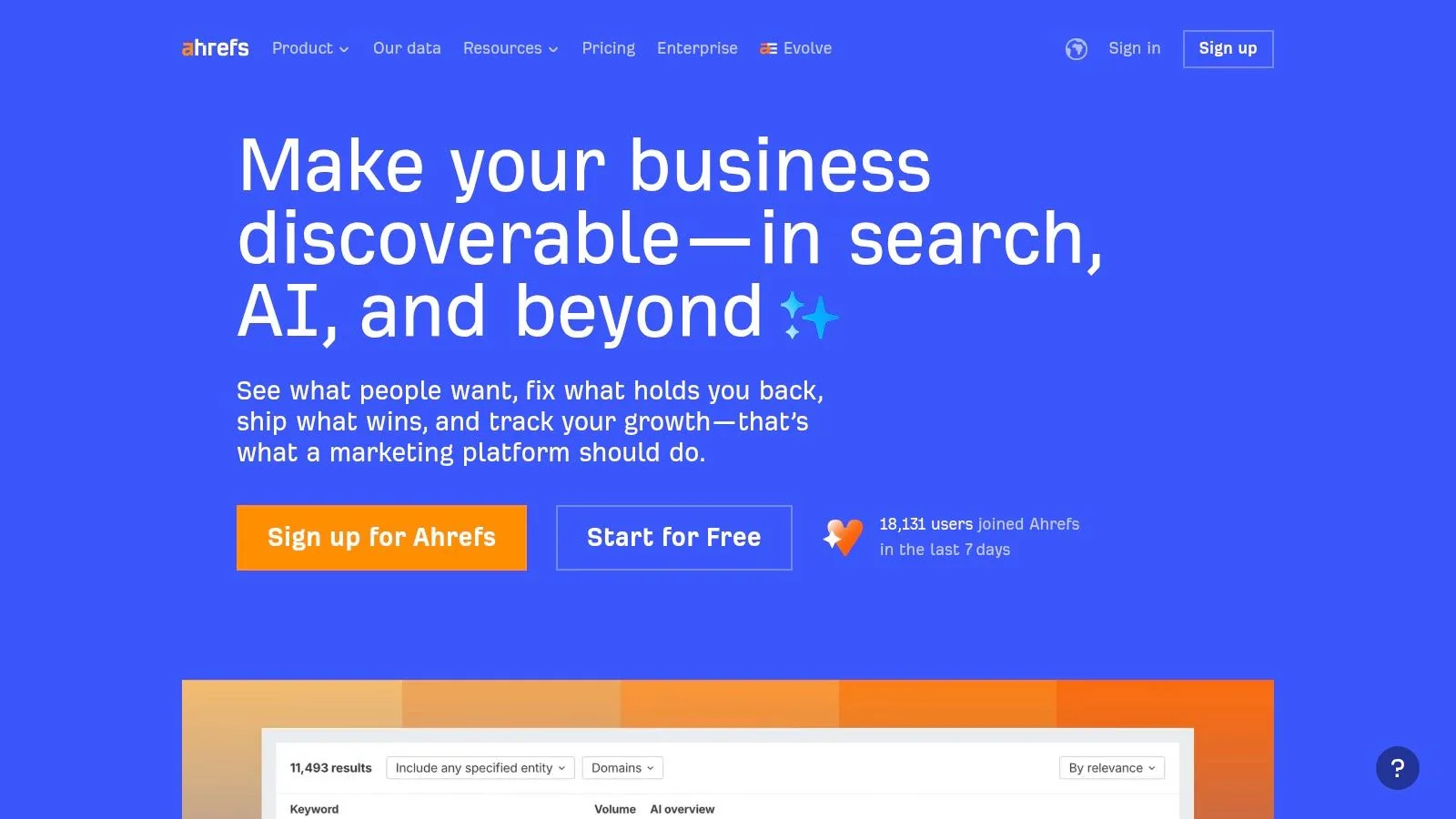
What makes Ahrefs special is how it connects its on-page data with all its other information. For example, you can look at the on-page details of top-ranking pages right inside its keyword research tool, giving you a clear plan for creating content. This smooth connection between keyword research, competitor analysis, and on-page audits gives you a complete picture, helping your team make smarter decisions without switching between different tools.
Best for: Technical SEO experts and growth teams in competitive industries who need the best data and deep connections between on-page, off-page, and keyword information.
- Pros: Excellent crawl and backlink data quality; fast and reliable with detailed reports; clear limits for projects and credits.
- Cons: You must buy a full plan, you can't buy tools individually; can be expensive for small sites or solo founders.
- Pricing: Starts at $99/month for the Lite plan.
Website: https://ahrefs.com
4. Screaming Frog SEO Spider
Screaming Frog is the go-to desktop tool for technical and on-page SEO. It scans your website's URLs to check important on-page elements like page titles, meta descriptions, headings, internal links, and image alt text. Its strength is its speed and the incredible amount of data it gives you, allowing you to find big problems like duplicate content, broken links, and bad redirects across your whole site.
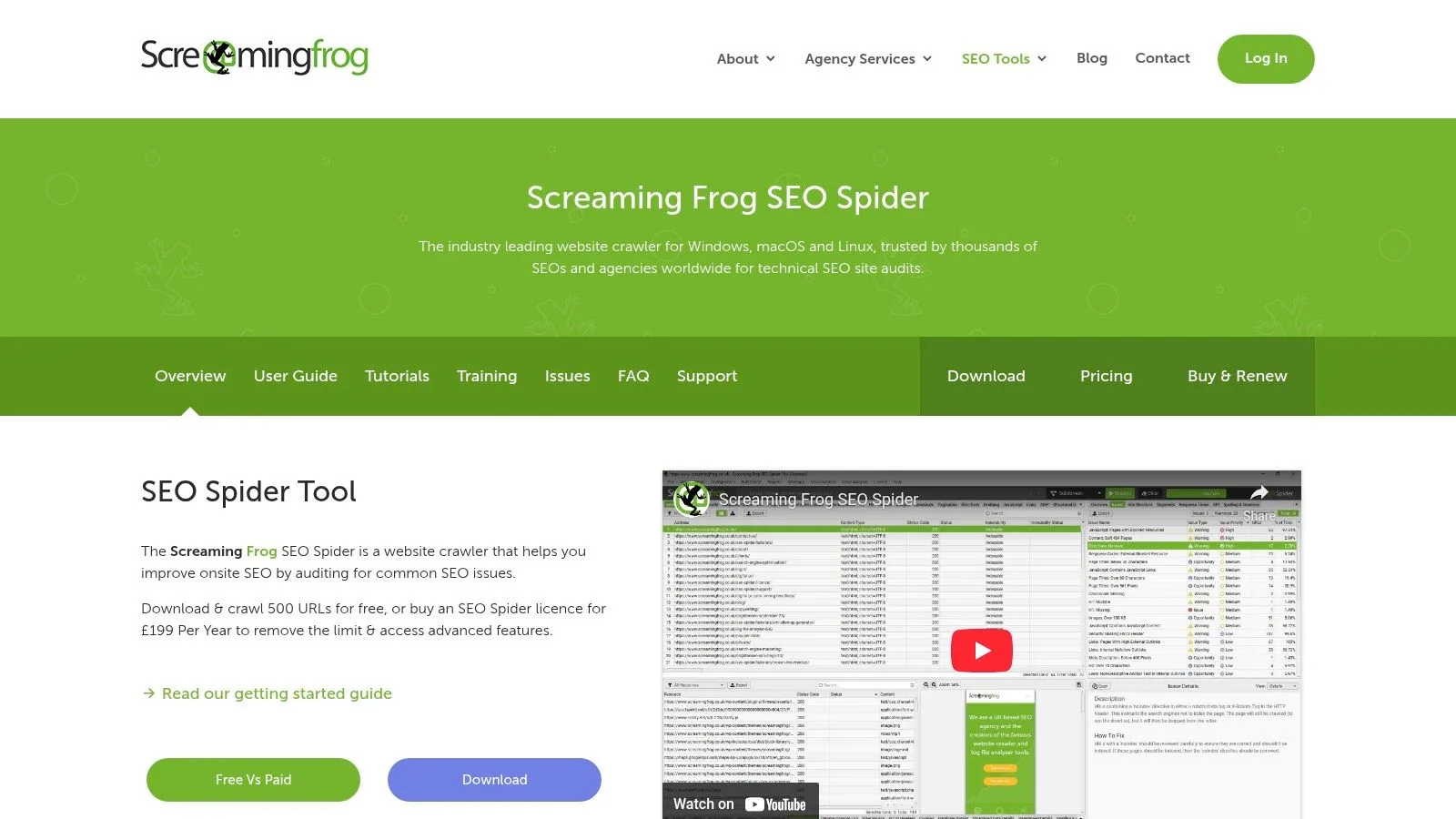
Unlike online platforms, Screaming Frog runs on your computer, so you have full control over your data without any subscription limits on projects. This makes it one of the best on-page SEO tools for deep technical checks and a must-have for anyone serious about their website's health. Advanced features like JavaScript rendering and custom data extraction make it very flexible for complex audits. It is a key tool when you need to run a structured SEO audit properly.
Best for: Technical SEOs, agencies, and in-house teams who need a powerful, fast, and highly customizable site crawler for deep technical and on-page audits.
- Pros: The industry standard for checking web pages; very fast for medium to large sites; highly flexible for custom analysis.
- Cons: It's a desktop app, so it uses your computer's resources; the interface can look complicated and be overwhelming for beginners.
- Pricing: Free version with a 500 URL crawl limit. The paid license is £259/year (approximately $325/year).
Website: https://www.screamingfrog.co.uk/seo-spider/
5. Surfer
Surfer is a content-focused on-page SEO tool that uses data from search engine results. It offers a Content Editor with suggestions for keywords, structure, and length, plus an Audit tool that scores your published pages against top competitors. This focus on data-driven writing makes it one of the best on-page seo tools for teams that want to create high-quality content efficiently.
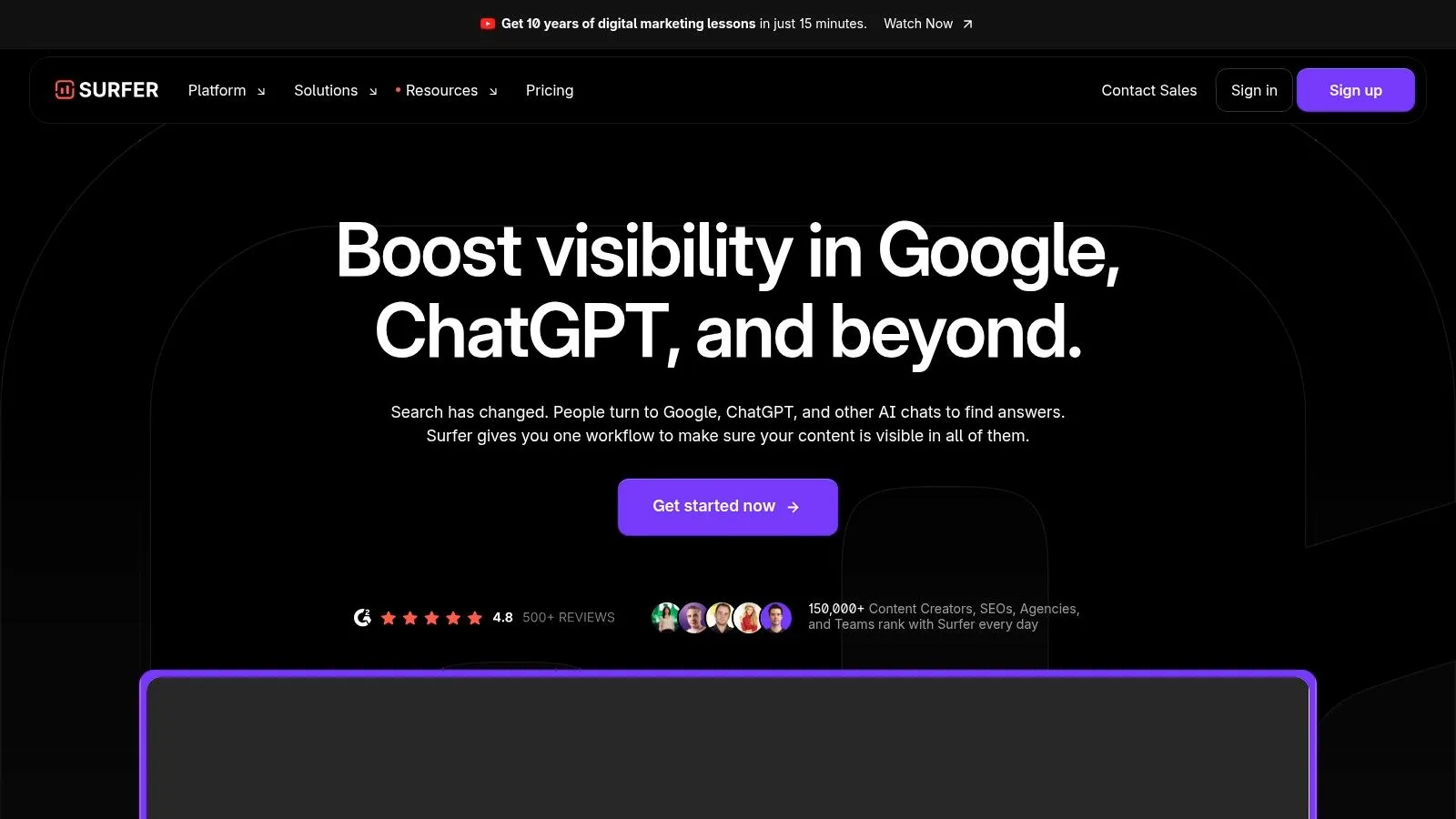
Surfer's interface is easy for both writers and SEOs to use. You can research keywords and topics, build content plans, and connect it directly with Google Docs or WordPress. With regular updates and training resources, it helps teams improve their SEO writing process without starting from scratch.
Best for: Content and growth teams at startups or agencies looking for clear on-page guidance that combines writing and SEO research in one tool.
Pros:
- Writer-friendly advice on keywords, headings, and word count
- Works well for teams with shared projects and collaboration features
- Frequent updates and included training on higher plans
Cons:
- Credit limits depend on the plan; extra credits and AI features cost more
- Access to the search results analyzer depends on your plan level
Pricing: Starts at $59/month for the Basic plan with 3,000 audit credits Website: https://surferseo.com
Usage Tips
- Run an initial Audit on your top pages to find easy improvements
- Use the Content Editor to teach new writers about SEO best practices
6. Clearscope
Clearscope is a top-quality content optimization tool that provides simple, effective recommendations and a content editor to help you match your pages with what people are searching for. It stands out among the best on-page seo tools because of its easy-to-use Content Editor, which grades your draft as you write and suggests keywords based on its research. The platform also supports tracking topics, unlimited users, and helpful onboarding.
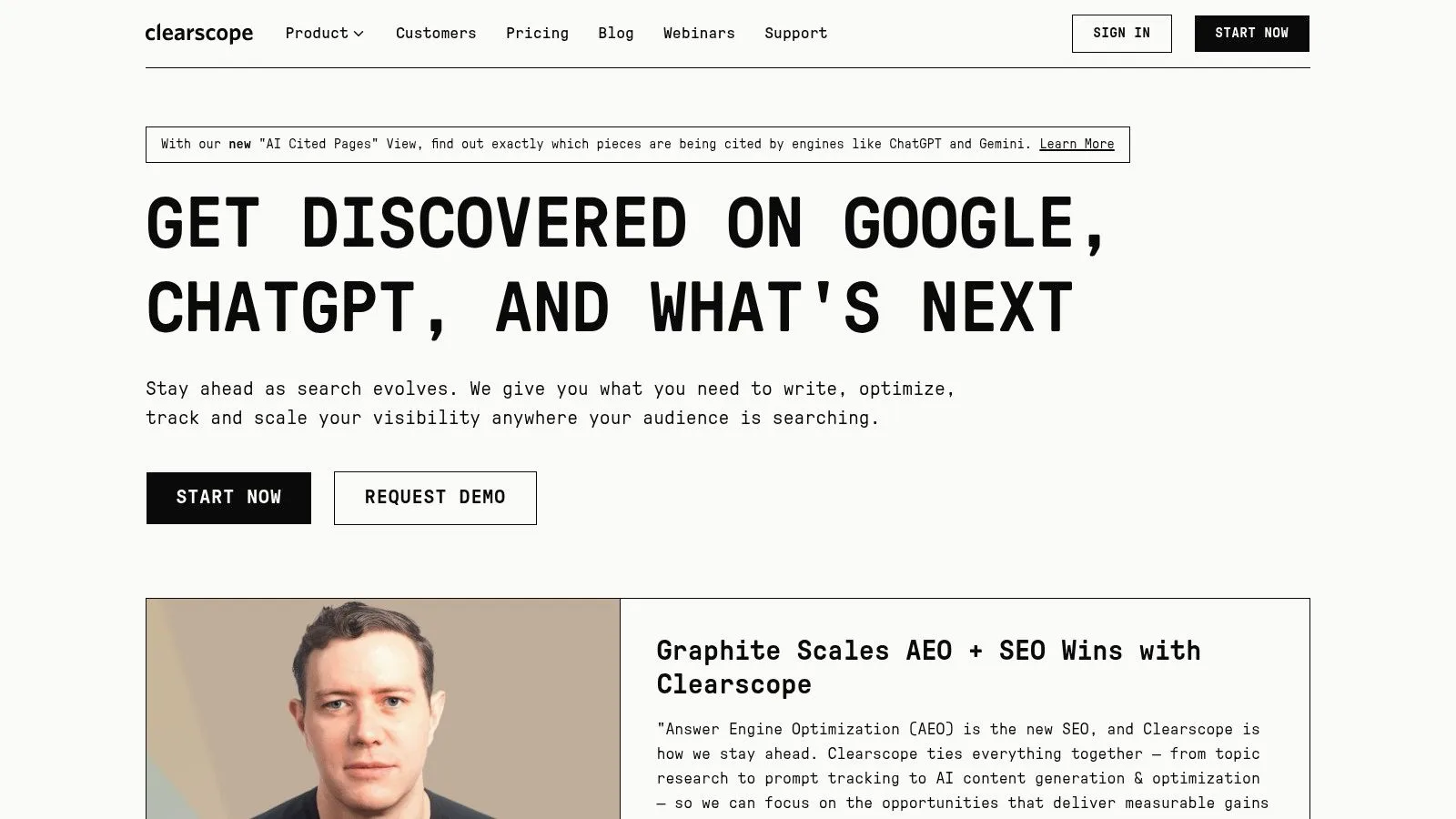
Its main advantage is its focus on content quality. Writers can see a grade as they type, helping them improve keyword coverage and readability without switching between different tools.
The Topic Explorer feature helps you find related themes and search volumes to guide your research. Business customers get dedicated support and can easily export content to Google Docs or their own system.
Best for: Content teams that want to create many high-quality articles with clear guidance and little extra work.
- Pros:
- Very easy for writers and editors to use
- High-quality recommendations with great support
- Flexible sharing and export options
- Cons:
- More expensive than some other tools
- Limited features outside of content optimization
- Pricing: Starts at $170/month for the Professional plan
Website: https://www.clearscope.io
7. MarketMuse
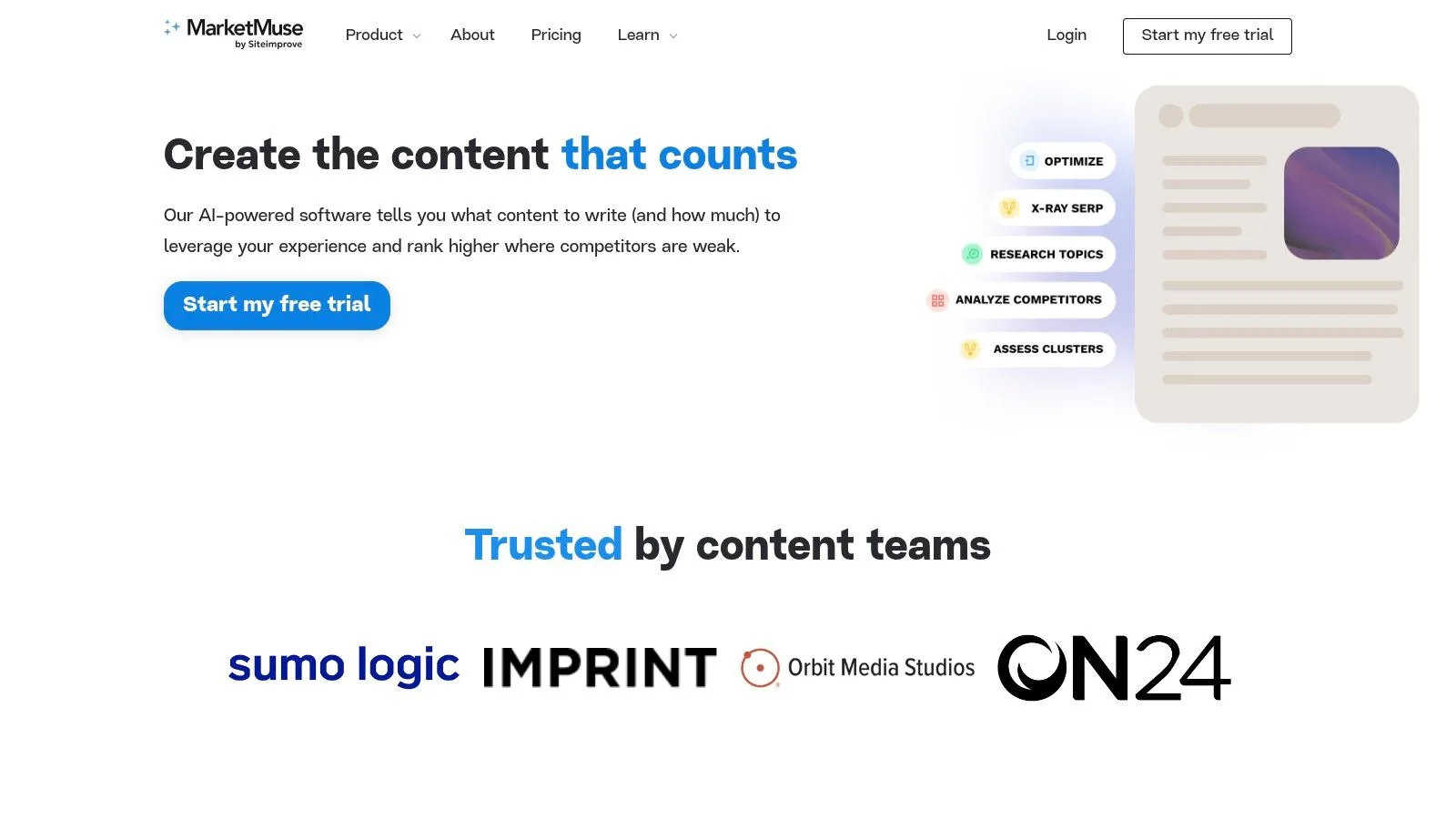
MarketMuse is an AI-powered content research and on-page optimization platform that focuses on topics, content coverage, and building authority. It simplifies content planning and writing with data-backed briefs and a smart content inventory system.
Core Features
- Topic Navigator and search result heatmaps to find content gaps
- AI-generated content briefs with suggested headings and keywords
- Content Inventory to track your website's authority on topics over time
- Personalized Difficulty scores to help you prioritize topics
| Feature | Benefit |
|---|---|
| Topic Navigator | See your content clusters and find gaps |
| Content Briefs | Make sure you cover all relevant keywords |
| Difficulty Metrics | Find topics that give you the best return |
Implementation Tips
- Use content briefs to match your headings with what users are searching for
- Check your Inventory reports weekly to see your authority grow
Best for: Growth teams that need AI-powered briefs and strategic topic planning connected to on-page SEO.
- Pros: Works for everyone from solo users to large teams, combines planning and optimization, provides clear difficulty scores
- Cons: Takes some time to learn, pricing is based on credit limits
- Pricing: Free tier available; paid plans start at credit-based packages from $79/month
Website: https://www.marketmuse.com
8. Frase
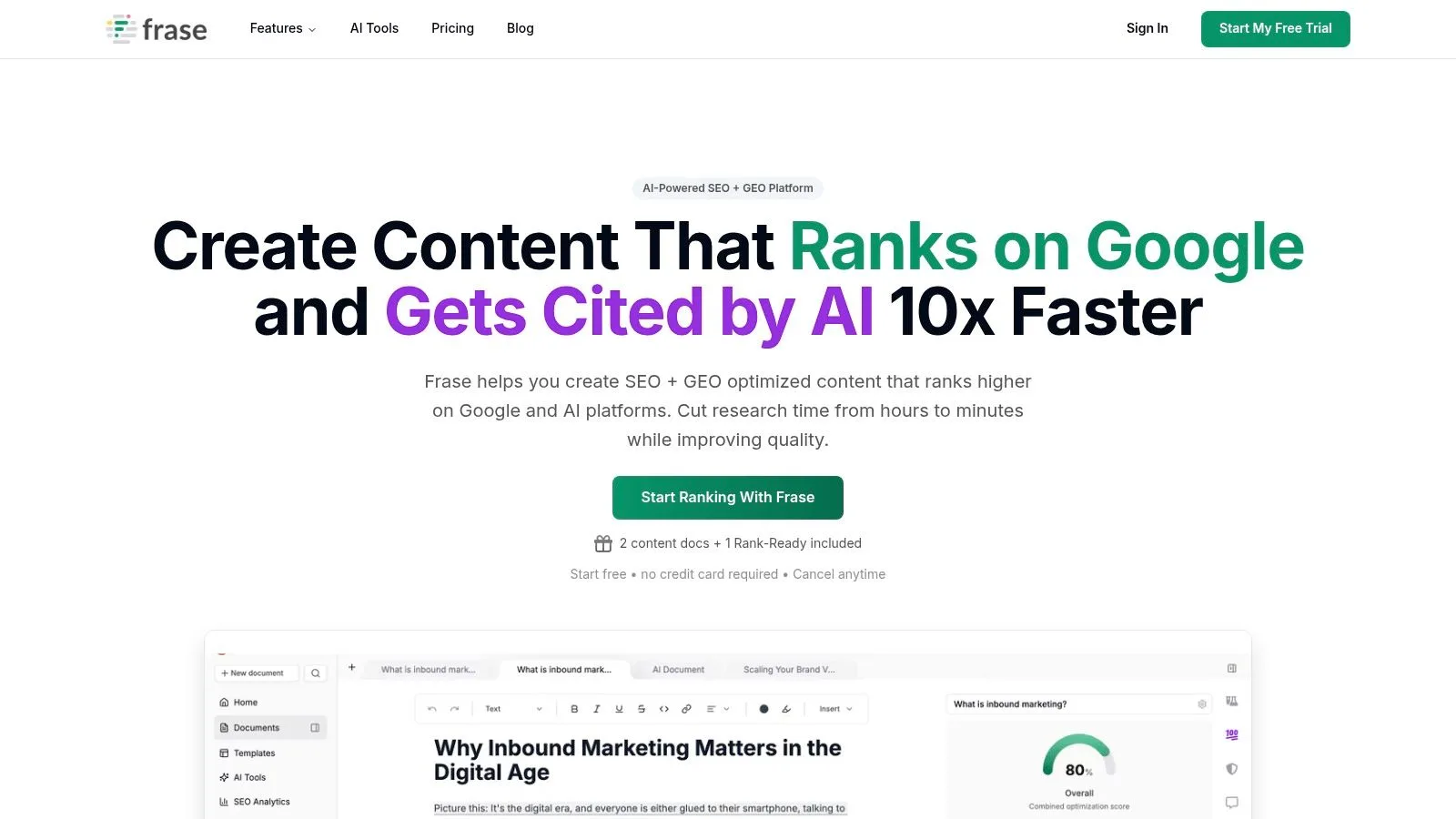
Frase is a great tool for content creation and optimization, making the entire process from research to writing much easier. Its main strength is its ability to quickly create detailed, SEO-focused content briefs by analyzing the top-ranking search results for a keyword. This helps writers instantly understand what searchers are looking for, making it one of the best on-page SEO tools for teams that produce a lot of content.
The platform puts this research directly into a content editor, giving you real-time optimization scores and topic suggestions. Frase is especially useful for teams that need to create content quickly without losing quality, using AI to help with drafting and outlining. Its simple, task-focused design makes it easy to create content that is built to rank well from the start, going beyond just keyword stuffing to focus on topical authority.
Best for: Content teams and small businesses focused on quickly creating highly optimized articles and blog posts with an AI-assisted process.
- Pros: Very affordable for producing optimized drafts quickly; clear monthly project limits help with planning; flexible subscriptions and per-article options are available.
- Cons: Heavy use of AI may require careful editing and fact-checking; advanced team features are only in higher-priced plans.
- Pricing: The Solo plan starts at $14.99/month for individuals, with team plans starting at $114.99/month. A "Rank-Ready" pay-per-document option is also available.
Website: https://www.frase.io
9. SE Ranking
SE Ranking is an all-in-one SEO platform that offers a practical On-Page SEO Checker along with a full Site Audit, rank tracking, and keyword research tools. Each page gets a clear score plus a prioritized list of fixes for content and technical issues, helping teams focus on the most important optimizations first.
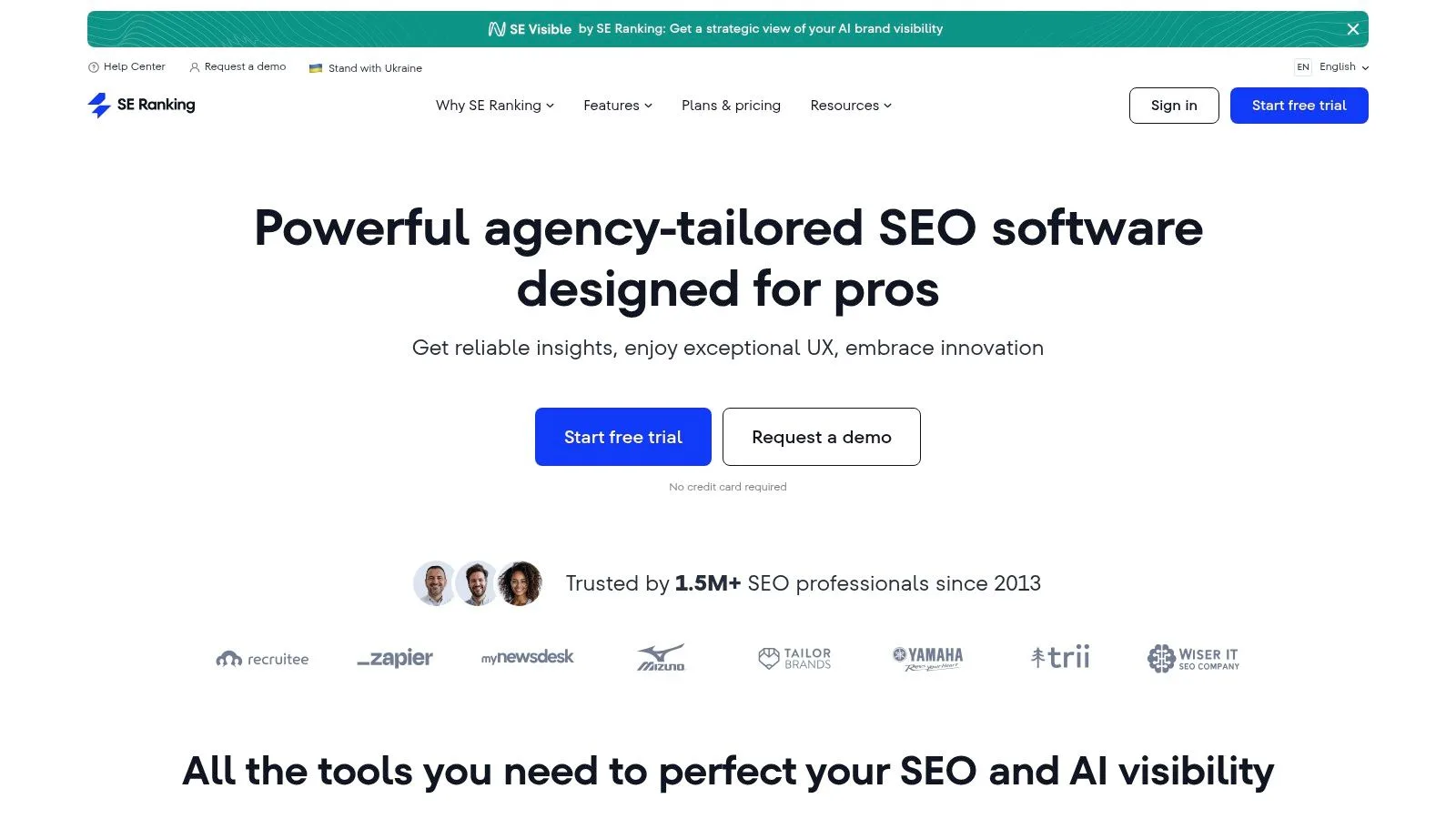
The Site Audit feature can handle large websites, making it great for small businesses and agencies with growing sites. Higher-tier plans include API access and Looker Studio integration for easy reporting and custom dashboards. The keyword research tool connects directly to the on-page checker, helping you make smarter content decisions.
Best for: Price-conscious agencies and small businesses needing generous audit limits, clear on-page recommendations, and easy custom reporting.
- Pros:
- Competitive pricing for a wide range of features
- Simple plan options with a free trial
- Custom reports and API available on higher plans
- Cons:
- Some advanced features cost extra as add-ons
- Data may not be as deep as top-tier competitors
- Pricing: Starts at $39/month for the Essential plan
Website: https://seranking.com
10. Sitebulb
Sitebulb is a visual SEO crawler that focuses on being clear. It provides detailed hints that explain each issue and offers step-by-step instructions on how to fix them. Its easy-to-use interface shows your site structure and page-level problems in interactive charts, making it one of the best on-page SEO tools for teams that need to explain technical findings in simple terms.
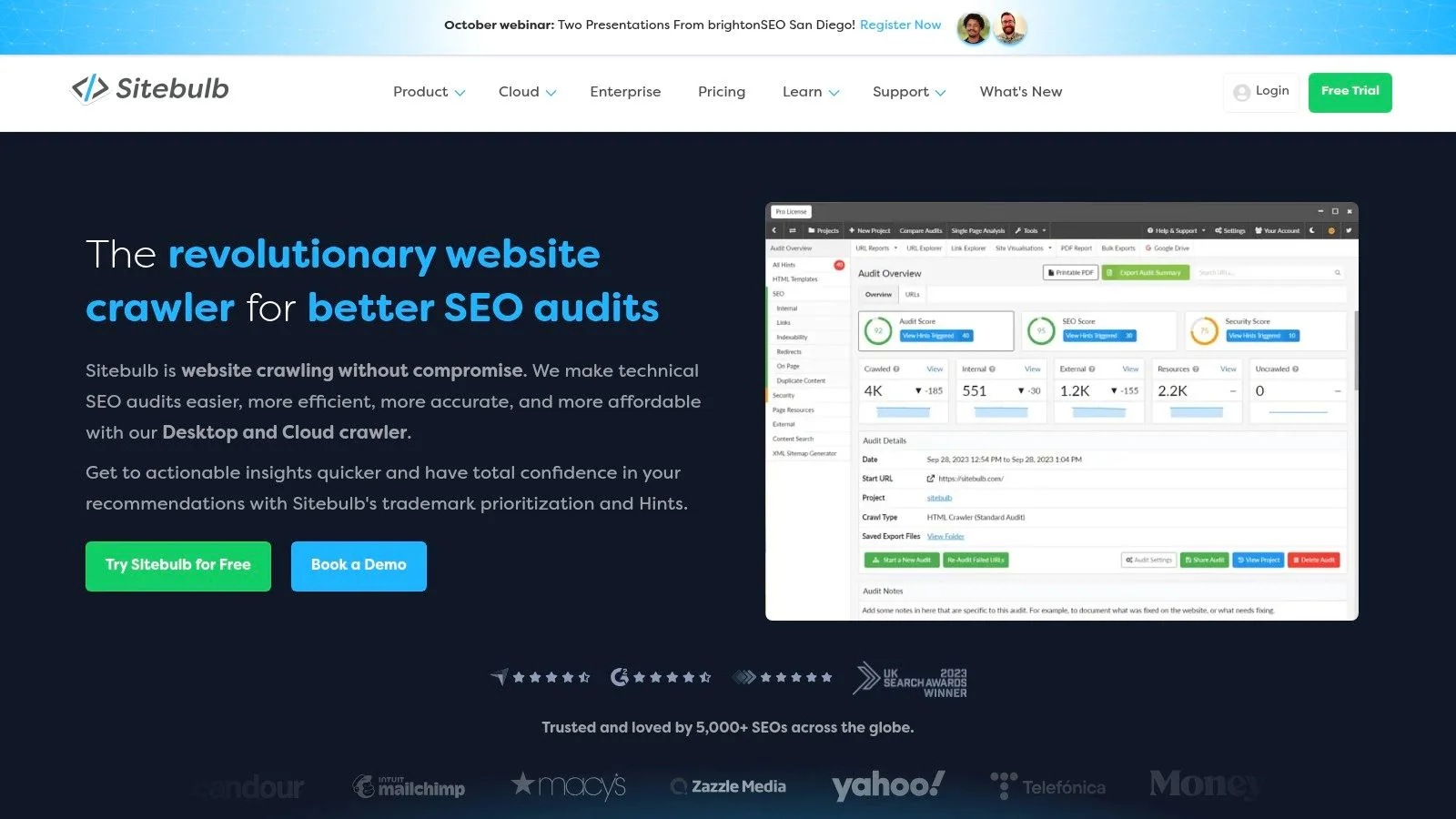
Available as both a Desktop and Cloud tool, Sitebulb can handle JavaScript crawling, provide real-time feedback on changes, and manage large-scale audits. The “Hints” feature does more than just find errors; it gives helpful tips on how to fix them. Cloud plans allow multiple users to collaborate on unlimited projects, while the desktop app offers a full-featured 14-day trial.
Best for: SEO auditors and growth teams needing clear, visual SEO audits that non-technical team members can understand.
- Pros: Excellent educational guidance on issues and fixes; visual reports make it easy to update stakeholders; scalable Cloud option for agencies.
- Cons: Desktop pricing isn't shown upfront; Cloud plan pricing requires a demo or sales call.
- Pricing: Desktop starts at a one-time fee with a 14-day trial; Cloud plans have custom pricing.
Website: https://sitebulb.com
11. Yoast SEO
Yoast SEO is a very popular WordPress plugin that gives you real-time advice on readability, keyword use, metadata, schema markup, and sitemaps. Its traffic-light system in the editor helps you optimize content as you write, making it one of the best on-page SEO tools for WordPress beginners and growth teams.
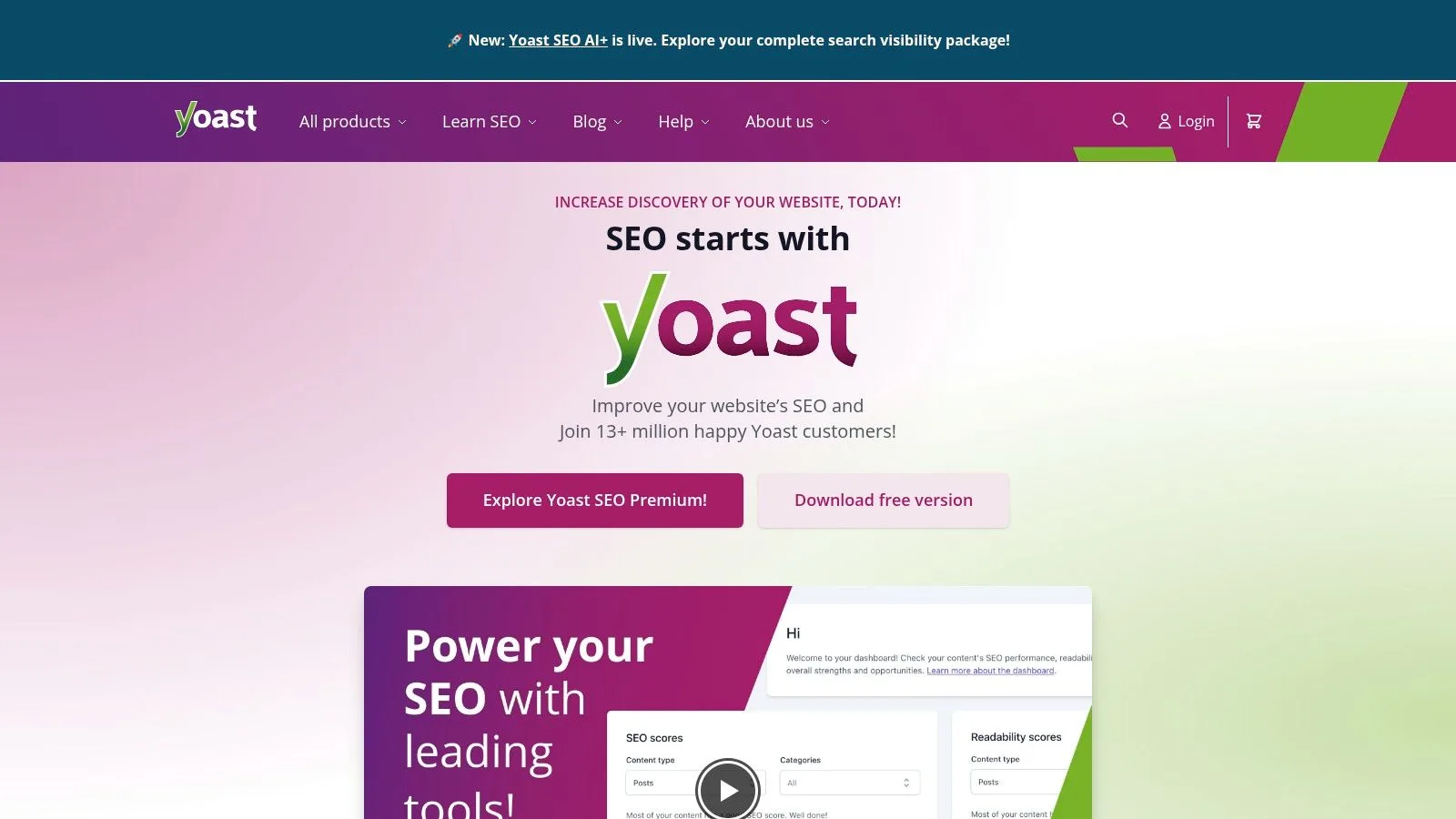
Beyond the basics, Yoast Premium lets you target multiple keywords, get internal linking suggestions, and manage redirects. The plugin’s schema builder automatically adds structured data to help search engines understand your content. Frequent updates keep it compatible with the latest WordPress versions, and the support forum is great for answering common questions.
Practical tip: Use the bulk editor to update titles and meta descriptions across many posts at once. This helps you manage on-page SEO without a lot of manual work.
Best for: WordPress site owners looking for a beginner-friendly, in-editor SEO solution with optional premium features.
- Pros:
- Simple traffic-light system and snippet previews
- Lots of documentation and access to the Yoast SEO Academy
- One-year license includes updates and support
- Cons:
- Advanced features require Premium or add-ons
- Only works on WordPress platforms
- Pricing: Free core plugin; Premium $99/year per site
Website: https://yoast.com
12. Rank Math
Rank Math is a feature-packed WordPress SEO plugin that offers a powerful on-page analysis tool, advanced schema templates, redirects, and built-in rank tracking on its paid plans. Its main strength is the On-Page SEO Score, which checks your content in real time and suggests improvements as you write.
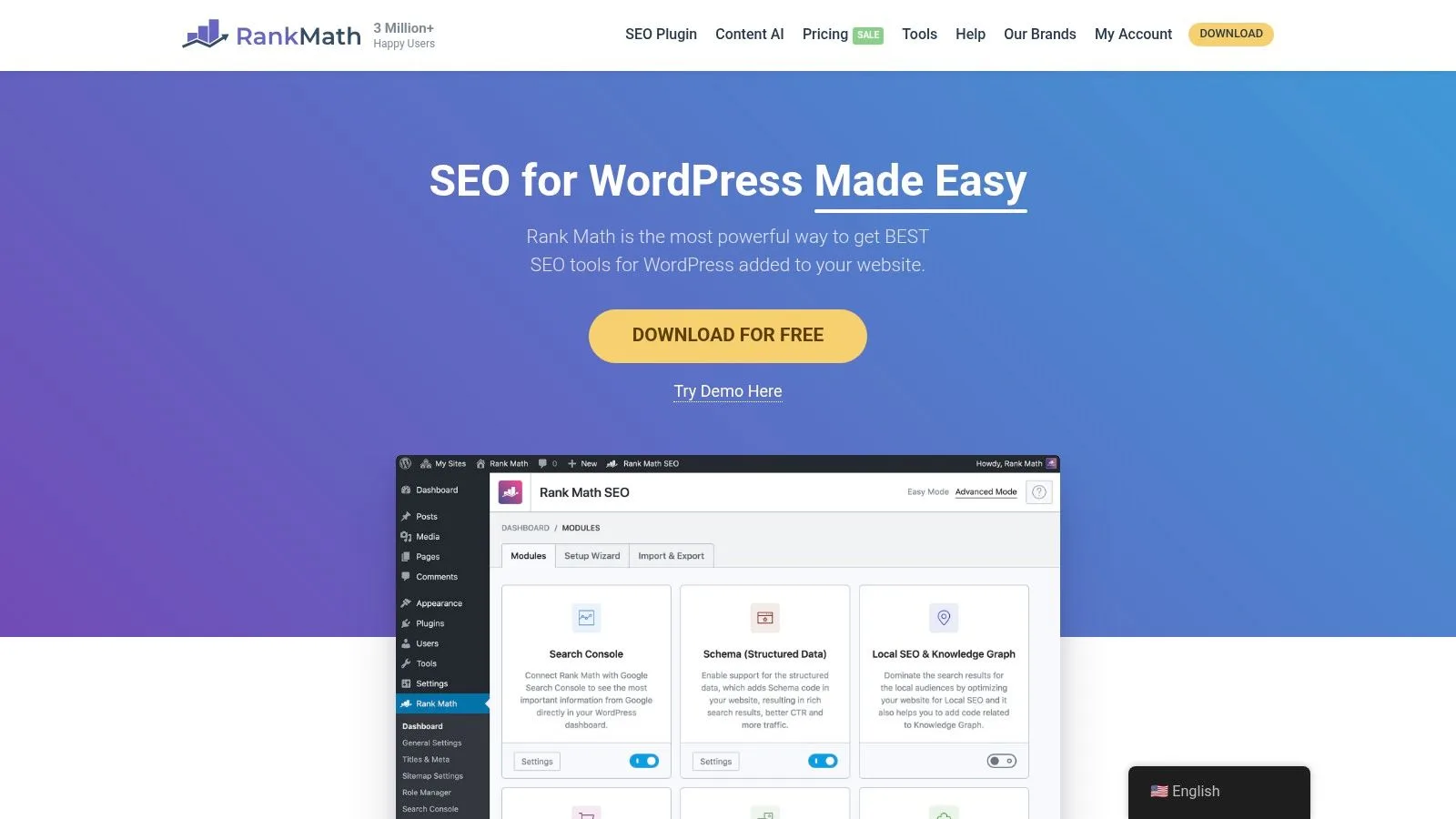
Its modular design lets you turn features on or off, such as the schema builder, local SEO modules, redirects manager, and robots.txt editor. Paid plans unlock keyword rank tracking, advanced schema options, and automatic link suggestions. This flexibility makes it one of the best on-page SEO tools for WordPress site owners who need a valuable plugin that can grow with them.
Rank Math stands out from its competitors because its free version covers most on-page essentials. The user-friendly interface and inline suggestions make optimization easy without having to switch between tools. Its local SEO support and customizable schema types give specialized sites an advantage.
Best for: WordPress users looking for a modular, budget-friendly plugin with advanced schema and on-page analysis.
- Pros: Generous free features, fast performance, modular setup
- Cons: Can be a bit complex for beginners, only for WordPress, paid plans are billed annually
- Pricing: Free core plugin; Pro starts at $59/year
Website: https://rankmath.com
Top 12 On-Page SEO Tools Comparison
| Product | ✨ Core / Unique feature | 🏆 Key strength | 👥 Best for | ★ UX / Quality | 💰 Pricing / Value |
|---|---|---|---|---|---|
| SEO Title Generator (SEO Roast) | ✨ SERP-driven title + outlines; AI integrations | 🏆 Fast, practical headlines based on SERPs | 👥 Founders, content marketers, SEOs | ★★★★ Practical, founder-focused | 💰 Free tool; high founder value |
| Semrush | ✨ All-in-one SEO suite with On-Page Checker | 🏆 Wide range of features; “SEO Ideas” workflow | 👥 Agencies & scaling teams | ★★★★ Comprehensive, steeper learning | 💰 Mid–High; scales with usage |
| Ahrefs | ✨ Best-in-class backlink & crawl data | 🏆 Data quality; fast, deep reports | 👥 Enterprises, link-focused teams | ★★★★★ Reliable, powerful UI | 💰 High; subscription required |
| Screaming Frog SEO Spider | ✨ Desktop crawler with advanced options | 🏆 Fast, highly flexible technical audits | 👥 Technical SEOs & auditors | ★★★★ Very powerful; technical UI | 💰 One-time licence / desktop resource |
| Surfer | ✨ SERP-correlation Content Editor & audits | 🏆 Writer-friendly on-page optimization | 👥 Content teams & writers | ★★★★ Clear, editor-centric UX | 💰 Mid; credit limits apply |
| Clearscope | ✨ Content grading & keyword coverage editor | 🏆 High-quality, easy-to-use recommendations | 👥 Content teams and editors | ★★★★ Excellent simplicity | 💰 Premium; higher price point |
| MarketMuse | ✨ AI-driven briefs, topic navigator & inventory | 🏆 Strategy + writing with difficulty metrics | 👥 Content strategists & enterprises | ★★★★ Strong planning UX (needs onboarding) | 💰 Mid–High; credit tiers |
| Frase | ✨ AI-assisted briefs + pay-per-document option | 🏆 Affordable, fast draft production | 👥 Small teams & content ops | ★★★ Quick output; editorial oversight needed | 💰 Affordable; per-doc option |
| SE Ranking | ✨ Practical on-page checks, large crawl allowances | 🏆 Generous audits/reporting for the price | 👥 SMBs & agencies needing value | ★★★ Solid, straightforward UX | 💰 Competitive / budget-friendly |
| Sitebulb | ✨ Visual crawler with helpful “Hints” | 🏆 Excellent issue explanations for everyone | 👥 Auditors, agencies, technical teams | ★★★★ Educational, communicative UX | 💰 Desktop & Cloud plans (varied) |
| Yoast SEO | ✨ WordPress editor-side guidance & schema | 🏆 Extremely beginner-friendly in WP | 👥 WordPress site owners & bloggers | ★★★★ Real-time editor feedback | 💰 Free + Premium upgrade |
| Rank Math | ✨ Modular WP plugin with advanced schema & tracking | 🏆 Feature-rich free tier; modular control | 👥 WordPress owners wanting advanced features | ★★★★ Powerful but can overwhelm | 💰 Generous free; paid annual plans |
Choosing Your Tool and Taking Action
In this guide, you’ve learned about the top 12 best on-page seo tools for startups and growth marketers. We covered crawlers like Screaming Frog, content optimizers like Surfer and Clearscope, and WordPress plugins like Yoast and Rank Math. Each tool is good for different needs, budgets, and content strategies.
Key Takeaways Summarized
- Technical crawlers (Screaming Frog, Sitebulb) find hidden site problems.
- Content optimizers (Surfer, Clearscope, MarketMuse) help you match your content to what people are searching for.
- All-in-one suites (Semrush, Ahrefs, SE Ranking) combine audits, keyword research, and link data in one place.
- Title generators (SEO Title Generator) help you come up with data-backed ideas for new pages.
- WordPress plugins (Yoast SEO, Rank Math) give you on-page advice right inside your website editor.
Matching Tool to Your Goal
- For deep site health audits, choose Screaming Frog or Sitebulb.
- To make your content better, use MarketMuse or Clearscope.
- When you need fast title and heading ideas, use the SEO Title Generator.
- If you use WordPress, install Yoast SEO or Rank Math.
- For all-around insights and reporting, pick Semrush, Ahrefs, or SE Ranking.
Next Steps for Implementation
- Find your biggest problem: Is it technical errors, thin content, or slow publishing?
- Try free trials and run a few tests on your own pages.
- Compare the results to see which tool works best for you.
- Build a routine: schedule weekly checks or use the tool as you create content.
- Train your team, document your process, and set clear goals for on-page SEO.
Implementation Factors
Think about pricing, user limits, and how well the tool connects with your other systems. Make sure your team can learn the main features quickly.
Measuring Success with On-Page SEO Metrics
Track improvements in page load times, keyword rankings, and click-through rates. Use your tool's reports to review your progress and find new opportunities.
The best on-page SEO tool is the one you use consistently and make part of your growth process.
Ultimately, your best on-page SEO tool will fit your workflow, budget, and goals. Take the time to learn how to use it, integrate it into your process, and measure the results. This focus will turn an SEO tool into a reliable way to grow your organic traffic.
Ready to level up with a tool that combines title ideation, real-time recommendations, and actionable analytics? Try SEO Roast, the all-in-one platform built for on-page SEO workflows. Get started today at SEO Roast and see how it ranks among the best on-page seo tools.