
The 11 Best On-Page SEO Tools in 2026, With Real Prices
Which on-page SEO tool should you buy? Verdicts on 11 crawlers, content editors, suites, and WordPress plugins, with prices checked in November 2026.


The honest answer to "which on-page SEO tool should I buy" is usually none of them, at least for now. A young site rarely has a shortage of advice about what to fix. What it has is a handful of broken pages, some duplicate titles, and nobody who has looked at them, and you can find all of that with the free version of Screaming Frog, which crawls 500 URLs before it asks for money. Once you're publishing every week, Surfer starts to earn its price. If you're on WordPress, put Rank Math on the site and stop thinking about plugins.
The other eight tools in this list are good at something, but you may not have that problem yet, so it makes more sense to start from the problem than from the tool:
| Tool | For | From |
|---|---|---|
| Screaming Frog | Crawling | Free |
| Sitebulb | Reports | $18/mo |
| Ahrefs | Rivals | $29/mo |
| Surfer | Content | $59/mo |
| Rank Math | WordPress | Free |
Every price below came off the vendor's own pricing page on November 24, 2026. A surprising number of plans from last year's roundups have vanished (SE Ranking's $39 tier, for one), so double-check before you put a card in.
Part of what makes this category confusing is that three different kinds of software all get called "on-page SEO tools." Crawlers find what's broken, content editors compare your page with whatever is ranking, and plugins put the fixes inside your CMS. Founders tend to end up paying for three suites that all do the first job while nobody does the second. If you're still on the fundamentals, these SEO tips for SaaS companies are a good warm-up.
1. Screaming Frog: best crawler for most teams
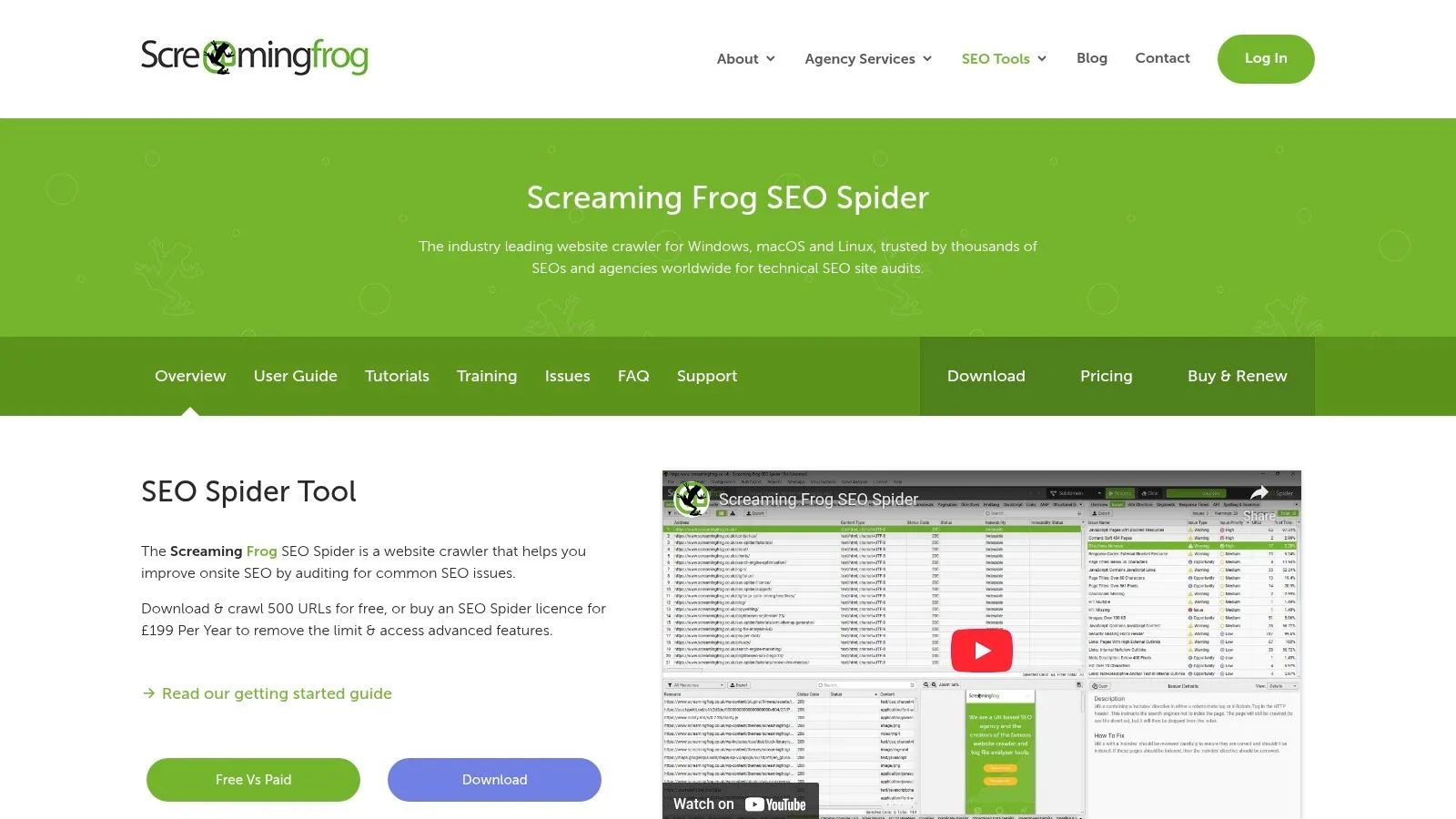
Screaming Frog looks like a spreadsheet from 2009 and runs on your own machine, and if I could keep only one tool from this list it would be this one, mostly because it never tries to interpret anything for you. It tells you what's on your site and leaves the judgment to you.
An hour with it goes a long way. Crawl your domain, open Page Titles, and filter by Missing, Duplicate, and Over 60 Characters. Then go to Response Codes, filter to Client Error (4xx), and use Bulk Export to pull every page that links to a broken URL, which you can paste straight into a ticket for your developer.
The free version stops at 500 URLs and leaves out JavaScript rendering, so a React or Vue site that renders on the client will need the paid license at £199 a year. Big crawls will also eat your laptop's memory.
Pair it with our SEO audit template and you have a full technical audit for free.
2. Sitebulb: best when someone else has to read the report
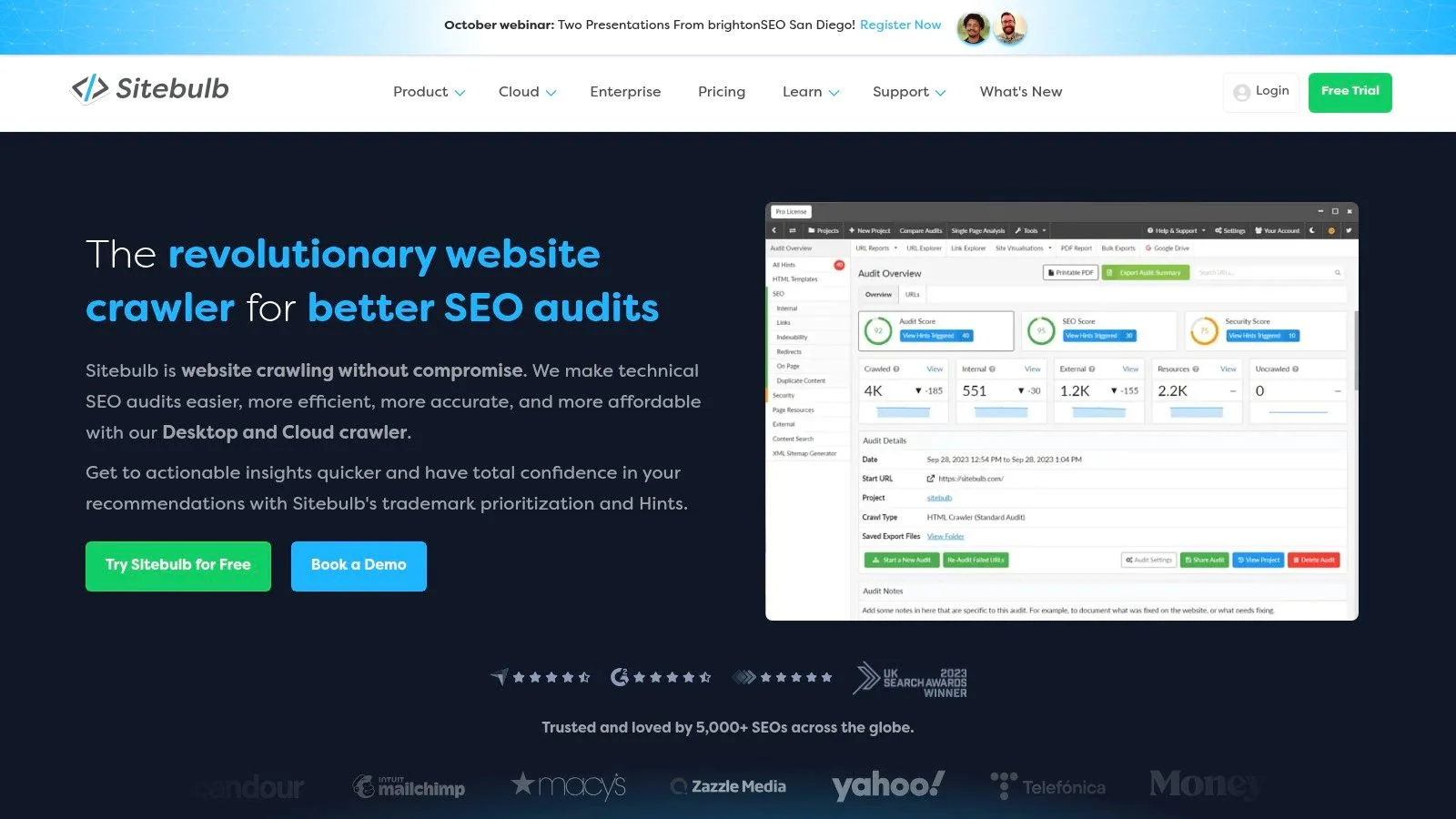
Sitebulb crawls like Screaming Frog but explains itself. Each issue comes with a "Hint" covering what's wrong, why it matters, and how to fix it. When your audit goes to a developer or a client who doesn't live in SEO, those explanations save a meeting.
Desktop Lite starts around $18 a month and handles 10,000 URLs per audit. Pro goes up to 500,000 URLs. Cloud starts around $125 a month and needs at least two users. The 14-day trial doesn't ask for a card, so run it on your real site before deciding.
Solo and technical? Stick with Screaming Frog.
3. Ahrefs: best all-in-one for competitor research

Full disclosure: I use Ahrefs in every SEO Roast, so I'm biased. I keep paying for it because the competitor data is where most ranking problems get explained.
Start on Ahrefs Free if you haven't. For sites you verify, you get Site Audit with 170+ checks and 5,000 crawl credits per project each month, plus your top 1,000 backlinks. Plenty of early startups never need more.
Paying gets you other people's data. Look up a competitor in Site Explorer, open Top pages, and you can see which pages actually earn their traffic. Lite costs $129 a month with 100,000 crawl credits. There's also a $29 Starter plan that includes Site Audit and gives you 200 credits a month for reports, with no way to buy more. That covers an occasional look at a competitor.
4. Semrush: best if you also run ads
Semrush covers more ground than Ahrefs: SEO, content, social, and paid search in one account. If your marketer lives in Google Ads as well, one login has real value.
Its plan names are confusing. The SEO plan is the cheapest at $139 a month ($117.33 billed annually), while "Starter" costs more at $199. Pro+ is $299 and adds content optimization.
Older guides, including the previous version of this one, recommend the On Page SEO Checker. Semrush's feature page for it now redirects to the Content Toolkit, so ask which plan includes the workflow you want before paying. For pure on-page work, it's more software than most startups will touch. We cover where it fits in our keyword research guide.
5. SE Ranking: best value for small agencies
SE Ranking gives you audits, rank tracking, and a page-level checker with a prioritized fix list. Agencies like it because client reporting is straightforward and the bill is lower than the big two.
It has gotten pricier, though. The $39 plan quoted all over the web is gone. Core is now $129 a month, or $103.20 with the annual discount, and Growth is $279 ($223.20 annually). Core includes 25K API credits and Growth includes 100K, while the Agency Pack and higher-volume API add-ons cost extra. There's a 14-day trial with no card.
I'd still compare its backlink numbers against Ahrefs for a few domains before building a link campaign on them.
6. Surfer: best content editor for most teams
Surfer compares your draft against the pages already ranking and tells you which terms and topics you're missing. It now lives at surfer.ai, so older links and pricing screenshots are out of date.
The best use is refreshing pages that already have some traction. Pull URLs sitting in positions 8 to 30 from Search Console, paste each into the Content Editor, and add the subtopics a reader would expect but you skipped. That tends to beat writing something new.
Don't chase a perfect score. Writers who do end up stuffing terms into sentences nobody wants to read. Treat 70-something as done.
On yearly billing, Discovery is $49 a month with 120 documents a year and 10 tracked pages, Standard is $99 with 360 documents a year and 50 pages, and Pro is $182 with 360 documents a year and 200 pages. Paying month to month costs $59, $119, and $219. Do the division before you compare it with a monthly allowance, because 120 a year is 10 a month.
7. Clearscope: best for teams with several writers
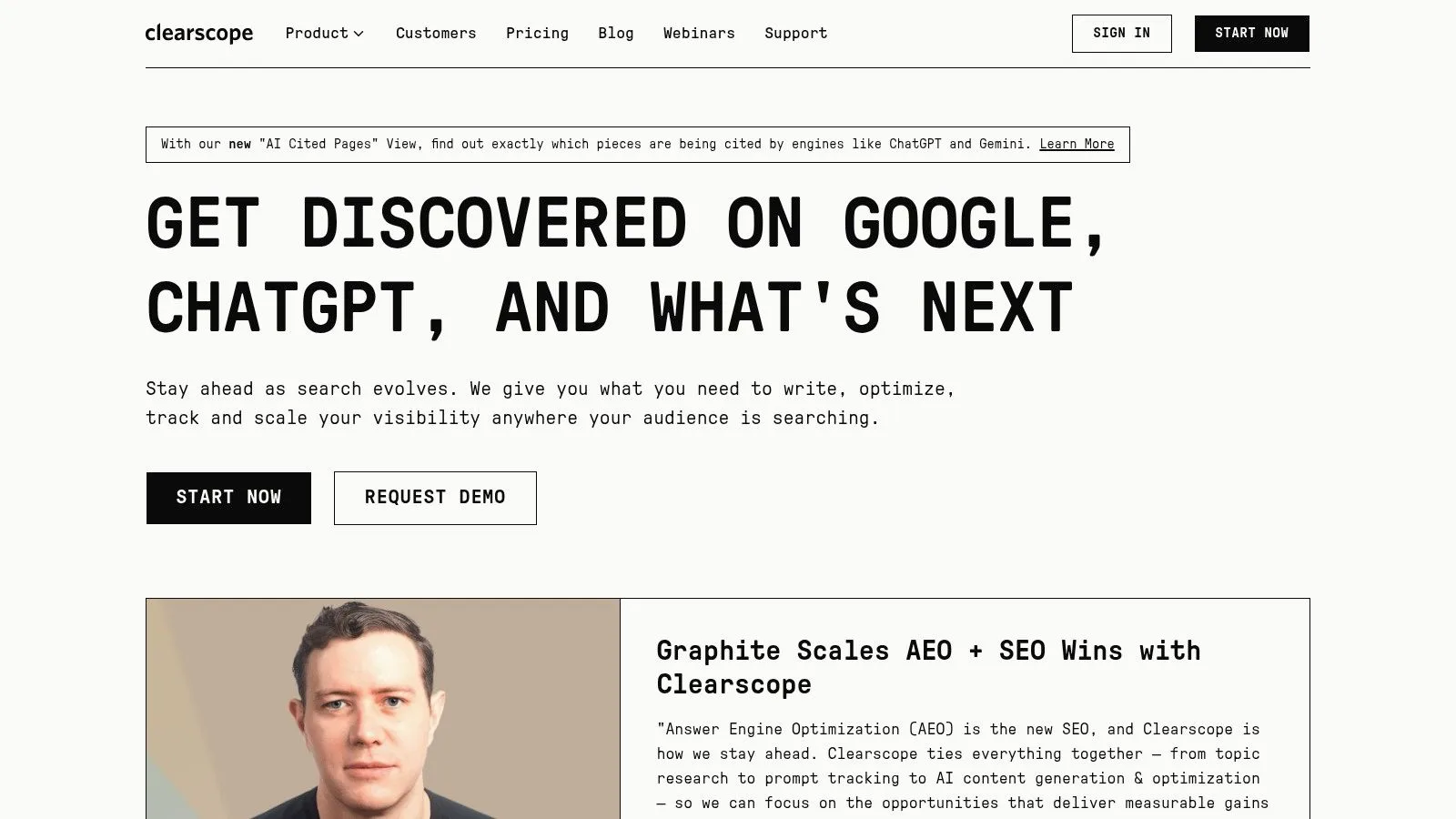
Clearscope does the same core job as Surfer with a calmer interface. Writers get a letter grade as they type, and that's about all they need to learn.
Essentials costs $129 a month and includes 50 tracked queries, 50 pages, and 20 drafts a month. Business is $399. Every plan has unlimited users and no contract, which makes the math work once you have four or five people writing. For a solo founder, it's hard to justify over Surfer's $59 tier. There's a 14-day free trial.
8. Frase: cheapest way to get decent briefs
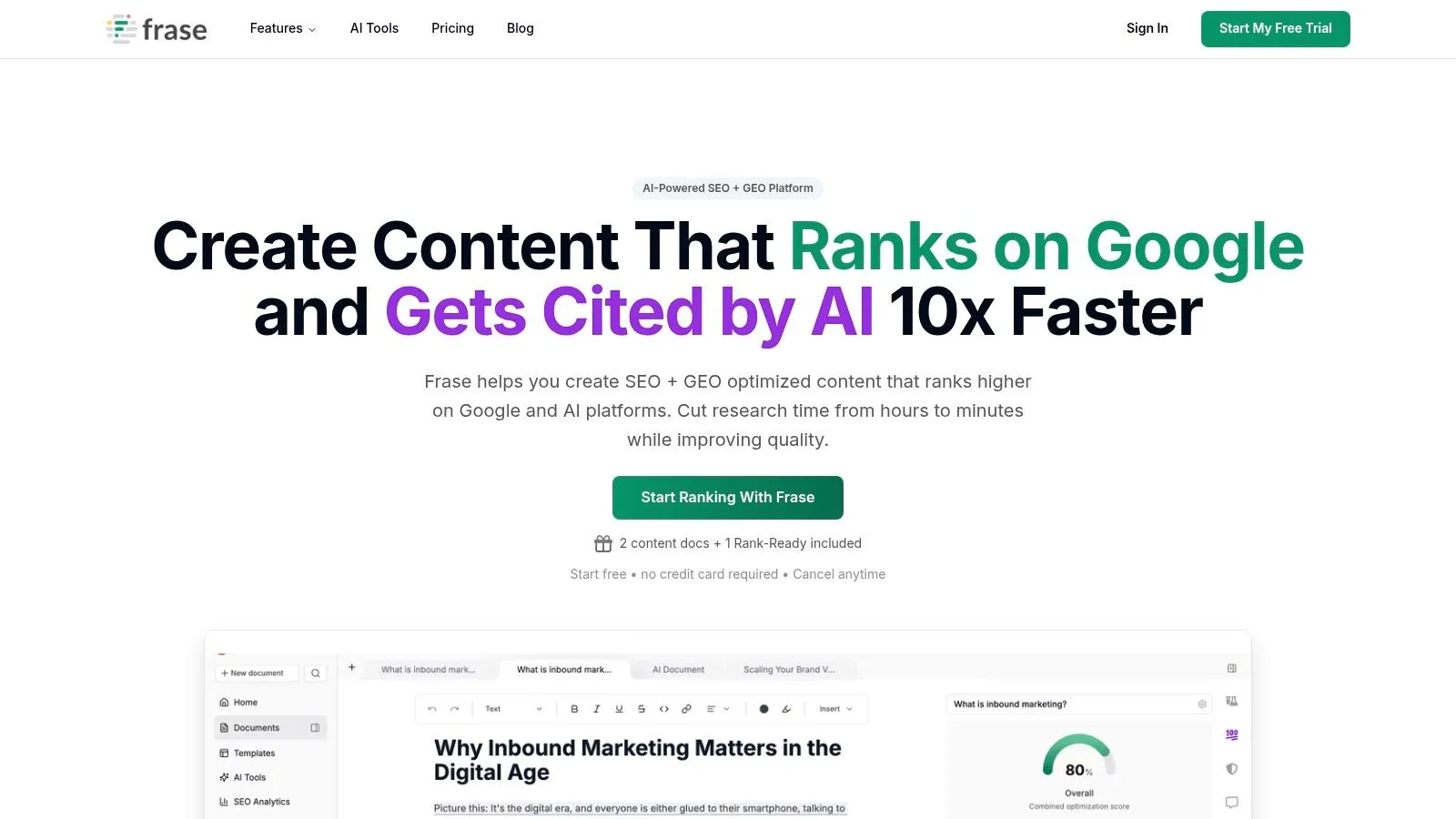
Frase reads the top results for a keyword and builds a content brief in a couple of minutes. If you hand work to freelancers, a good brief is the difference between one round of edits and four.
Starter is $49 a month, or $39 billed yearly. Professional is $129 ($103 yearly) and Scale is $299 ($239 yearly). You get a 7-day trial with no card. Skip the temptation to publish its AI drafts as they come. They read like everyone else's, and that's the problem you're paying to solve.
9. MarketMuse: only for larger content teams
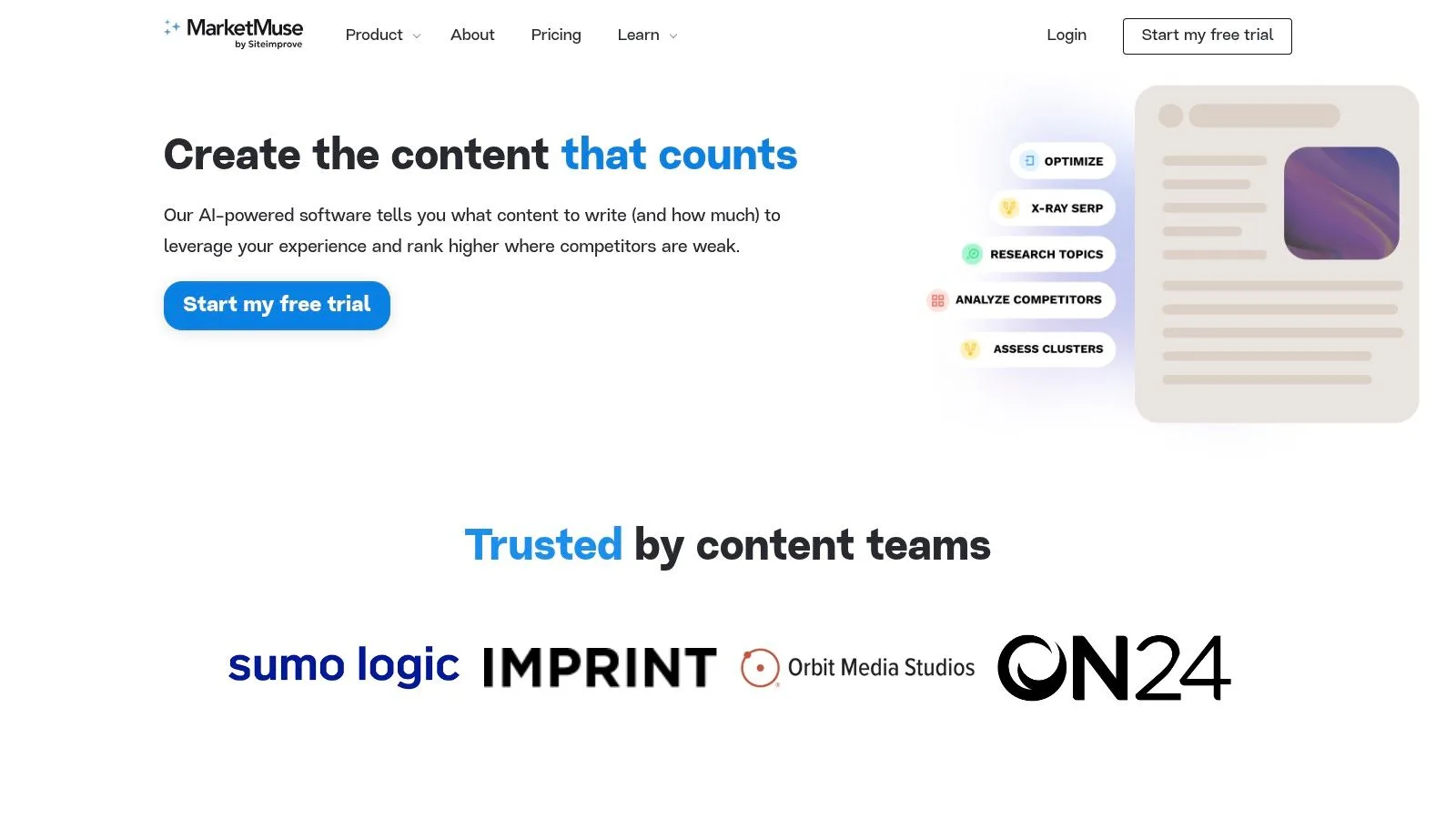
MarketMuse maps which topics your site covers well and where you're thin. It's good at planning across hundreds of articles and overkill for fifty.
Its situation has changed. Siteimprove acquired MarketMuse in late 2024 and now sells access through its Siteimprove.ai platform. The old pricing page redirects there, with no public price or free tier listed, so plan on a sales conversation. Most startups should pass.
10. Rank Math: best WordPress plugin for most sites
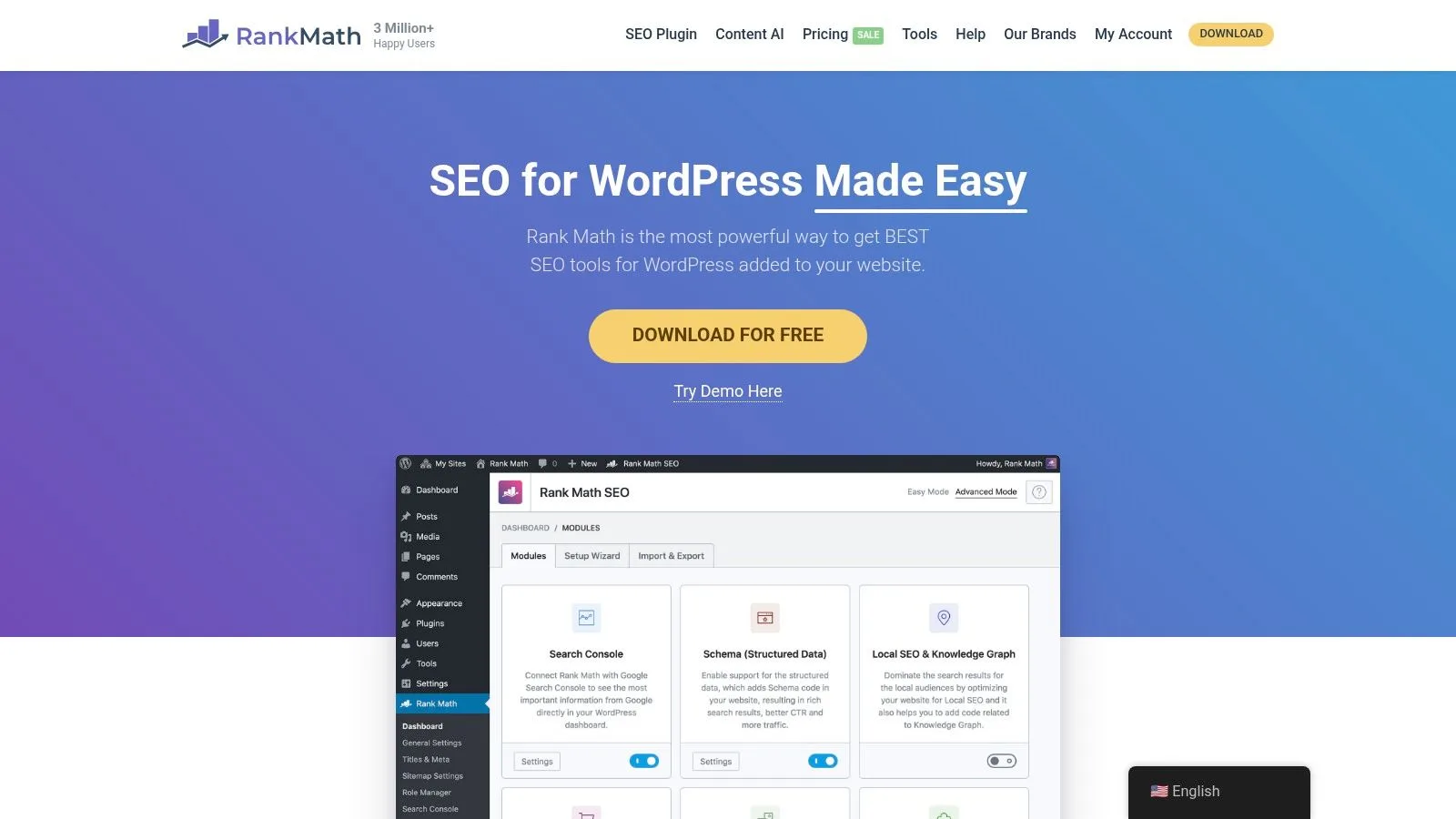
For a new WordPress site, I'd install Rank Math over Yoast. The free version includes a redirect manager and schema markup, and it scores each post as you write.
You can switch modules off, which is worth doing, because the default setup throws a lot of options at a beginner. PRO renews at $8.99 a month, billed annually, and first-year discounts are common.
11. Yoast SEO: fine if you already have it
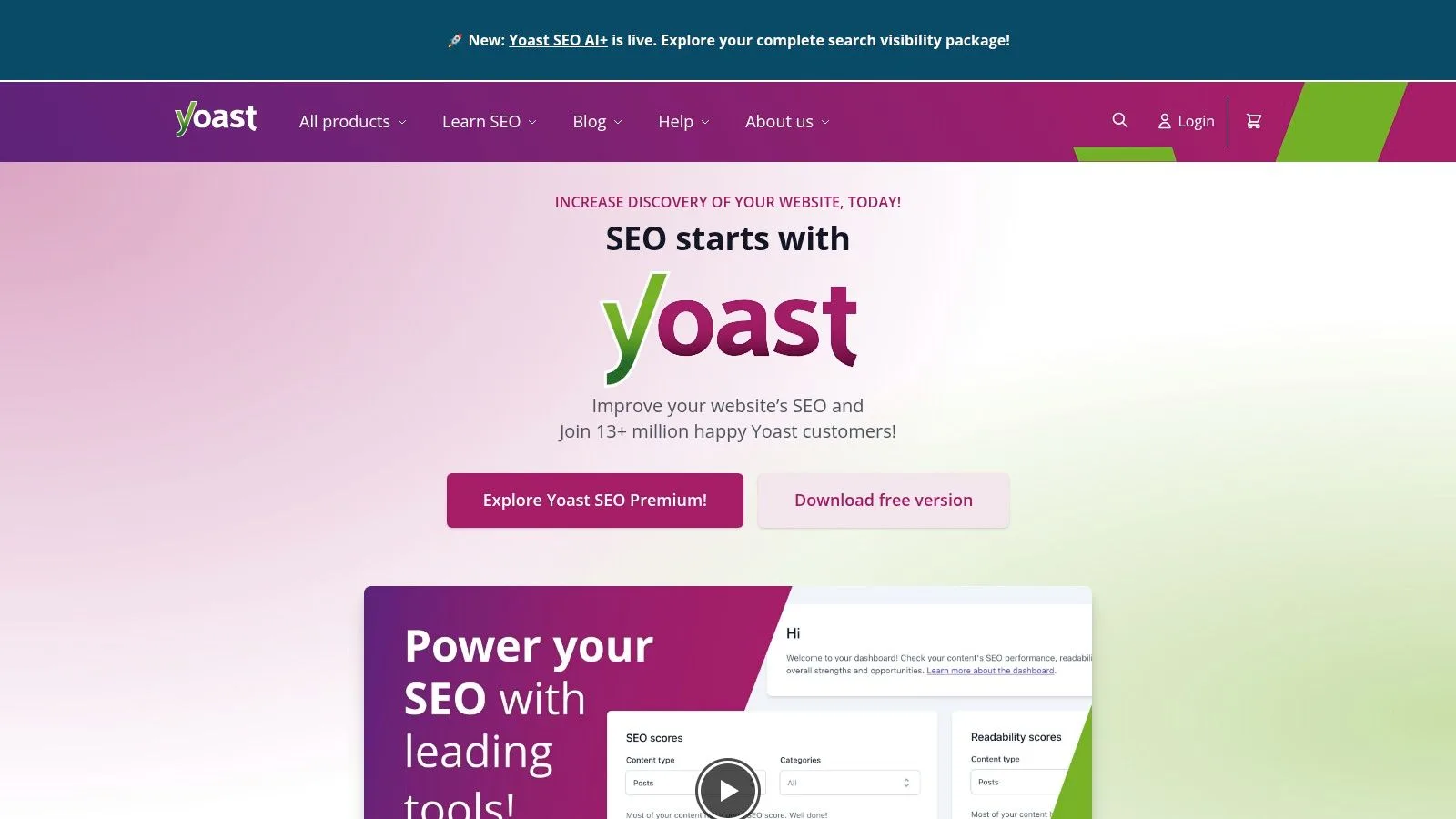
Yoast has been the default WordPress SEO plugin for years, and its traffic-light checks are easy for anyone to follow. The catch is what sits behind the paywall. Premium costs $118.80 a year before VAT and adds redirects, up to five keyphrases, internal linking suggestions, and an orphaned-content report.
Already running Yoast with no complaints? Stay put. Migrating plugins to save $100 is rarely worth the risk to your metadata.
All 11 tools compared
| Tool | Type | Best for | Free option | Paid from |
|---|---|---|---|---|
| Screaming Frog | Crawler | Technical fixes | 500 URLs | £199/year |
| Sitebulb | Crawler | Shareable audits | 14-day trial | ~$18/month |
| Ahrefs | Suite | Competitor research | Yes, own sites | $29/month (Lite $129) |
| Semrush | Suite | SEO plus paid ads | Limited free plan | $117.33/month yearly |
| SE Ranking | Suite | Small agencies | 14-day trial | $103.20/month yearly |
| Surfer | Content | Refreshing pages | Free start at checkout | $49/month yearly |
| Clearscope | Content | Writing teams | 14-day trial | $129/month |
| Frase | Content | Briefs | 7-day trial | $39/month yearly |
| MarketMuse | Content | Large libraries | None listed | Contact sales |
| Rank Math | Plugin | New WordPress sites | Yes | $8.99/month yearly |
| Yoast SEO | Plugin | Existing WordPress sites | Yes | $118.80/year |
What to do this week
A week of work with free tools will do more for you than a year of subscriptions nobody opens. Here's how I'd spend it:
- Monday: Crawl your site with Screaming Frog. Export every 4xx and every missing or duplicate title.
- Tuesday: Fix the broken links and rewrite titles on your ten most important pages.
- Wednesday: In Search Console, filter for pages in positions 8 to 30 with high impressions. Those are your cheapest wins.
- Thursday: Rewrite the weakest of those pages by hand. Read the top three results first and cover what they cover, then add what they missed.
- Friday: Add internal links to that page from your strongest pages.
Check back in four to six weeks. If the pages moved, you've earned the case for paying for Surfer or Ahrefs.
Common questions
What's the best free on-page SEO tool?
Google Search Console for real query data, plus the free version of Screaming Frog for crawling. Add Ahrefs Free for a second audit of your verified sites. That stack costs nothing and covers most of what a young site needs.
Do I need a content optimization tool?
Not until you're publishing regularly. Below about four posts a month, reading the top results yourself gets you most of the way.
Can an SEO tool put my page at the top of Google?
No. Tools find problems and suggest fixes. Rankings come from a page that answers the search better than the alternatives, on a site other people link to.
If you'd rather have someone read the data for you, that's what an SEO Roast is. I tear down your site in Ahrefs, Google, and ChatGPT on a recorded video, then send you the competitor exports and a ranked list of what to fix first.